Home

Add IP Phone to CME and CUCM

Leave a comment

Add IP Phone via CME
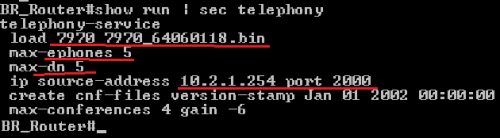
Penjelasan:

  • Aktifin CME-nya dulu lewat Telephony-Service
  • Ephone = IP Phone, DN = Dial Number
  • Ip source address [alamat CME] port [SCCP Port], alamat IP CME ya si router itu sendiri (pake IP di interface yang mengarah ke Voice VLAN yah)
  • Max-Conference ama Create CNF ga usa dipusingin, uda di built nantinya
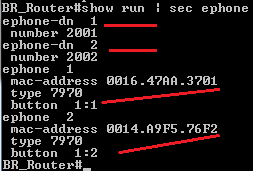
Penjelasan:

  • Daftarin IP Phone dulu dengan cara ketik ephone [nomor]
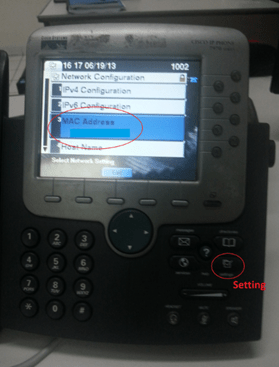
  • Daftarin mac-address dan type nya (liat aja di settingan teleponnya langsung)
  • Trus masukin nomor ektension dengan cara ketik ephone-dn [nomor DN]
  • Nah, masuk lagi ke ephone [nomor], trus ketik button [line]:[dial number]
  • So..ephone 2 dengan button 1:2 maksud nya adalah, untuk telepon nomor 2 line 1, pake dial-number nomor 2

===================

Add IP Phone via CUCM
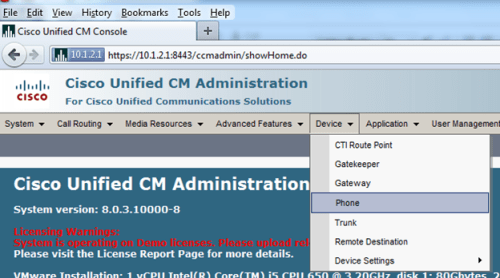
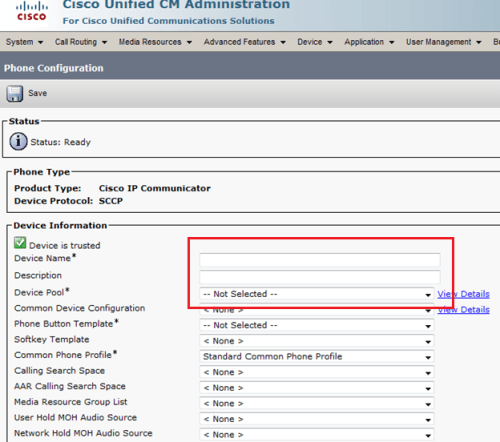
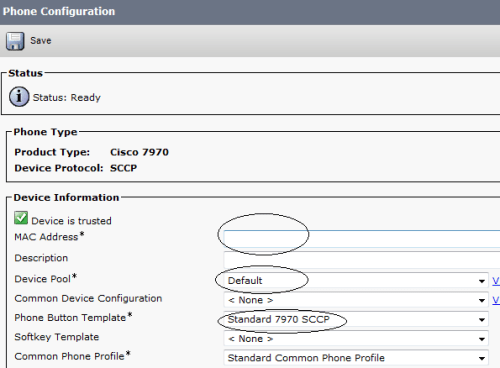
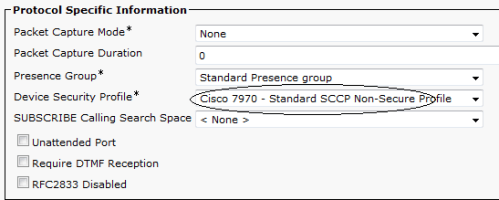
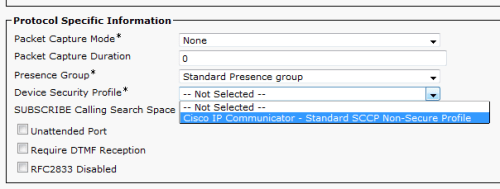
Device Name biasanya diisi pake Mac Address (nanti Description-nya juga ke isi sendiri), Device Pool taro default aja, nanti dibagian bawah ada Device Security Profile, pilih Standard Profile
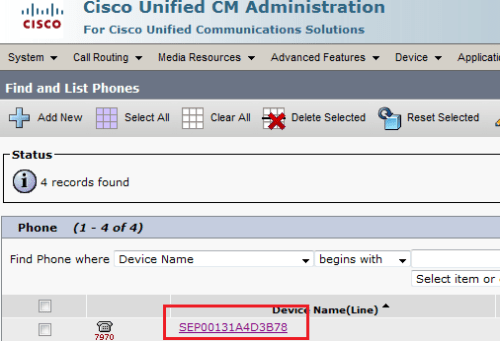
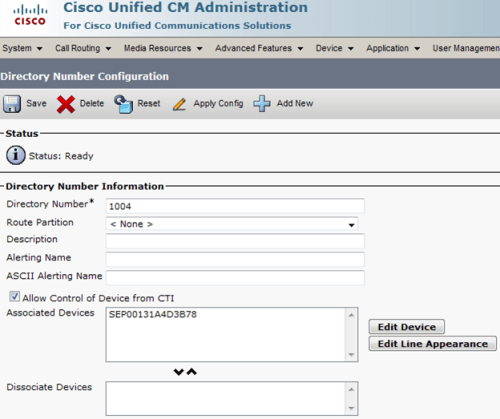
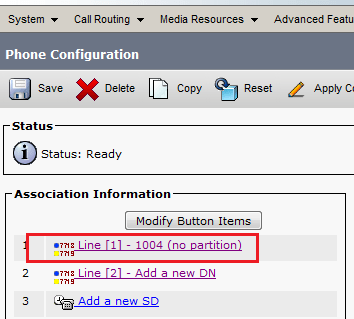
Klik ke Device name, masukin de nomor extension ke IP Phone itu
=====================

CME IP Phone Auto-Registration

tinggal ketik seperti dibawah ini:

routerCME(config)#telephony-service setup

disitu nanti akan dipandu…

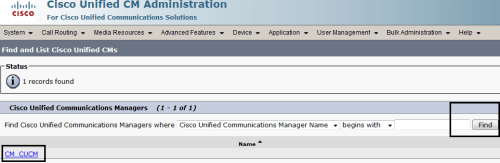
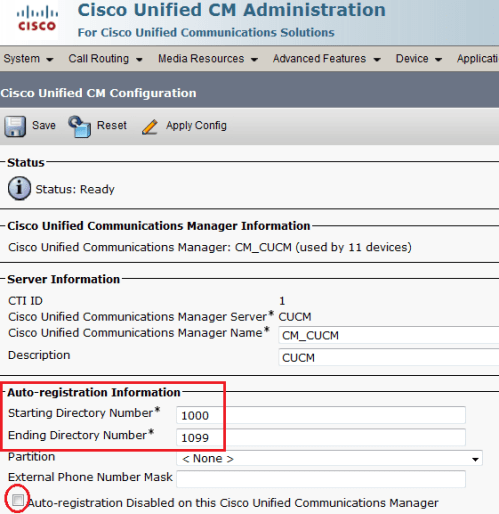
CUCM IP Phone Auto-Registration
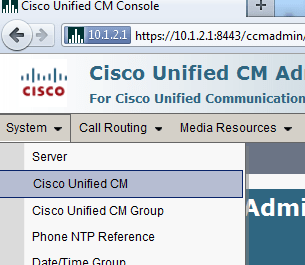
1

2

3


Build VoIP Network with CUCM

Leave a comment

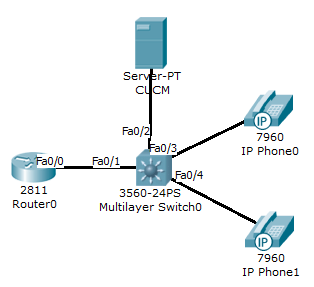
Alat2:

  • PC yang sudah ter-install CUCM (Jadi Server)
  • Router 26XX Series keatas dengan IOS 12++ (pastikan IOS-nya mendukung telephony)
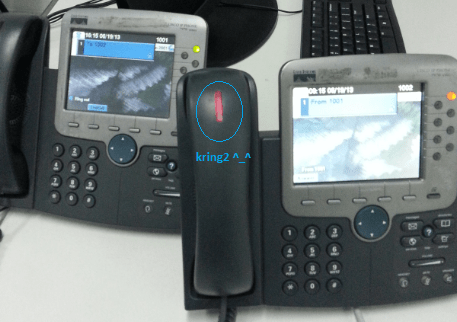
  • IP Phone 2 buah (yang penting bisa kring2an aja)

===============================

Settingan Router

1

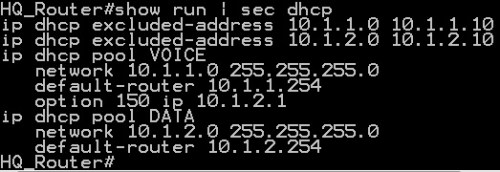
Router ini selain ngasih IP, dia juga ngasih tau server TFTP berada dengan command Option 150

IP 10.1.2.1 (IP Server CUCM tempat ngambil tftp)

Settingan Switch

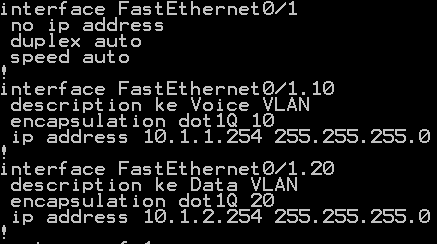
  • Setting Interface yang kearah Router jadi Trunk
    2
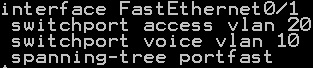
  • Setting Interface yang ke IP Phone

    3

    Klo IP Phone-nya juga ada colokan PC, setting juga data vlan (switchport access vlan)

    Berguna juga buat Soft Phone alias CIPC (Cisco IP Communicator) yang diinstall di PC (kan PC buat data berarti pake data vlan, soft phone nya pake voice vlan…di port yang sama)

  • (optional) matiin PoE di port yang ga pake IP Phone

    4

============================

Add Phone and Extension Number

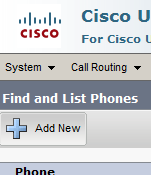
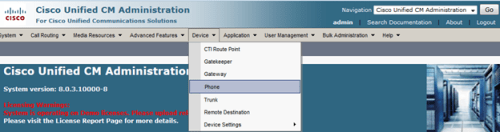
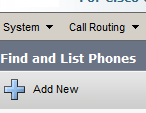
Masuk ke CUCM via browser ( http :// [ip cucm]), pilih Device -> Phone

Pilih add new

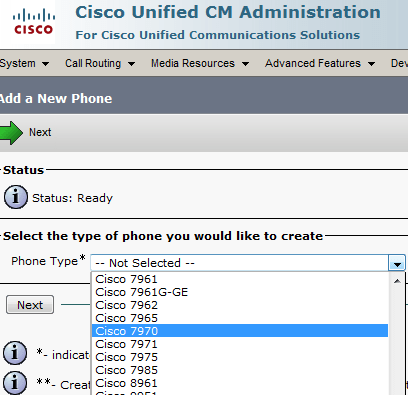
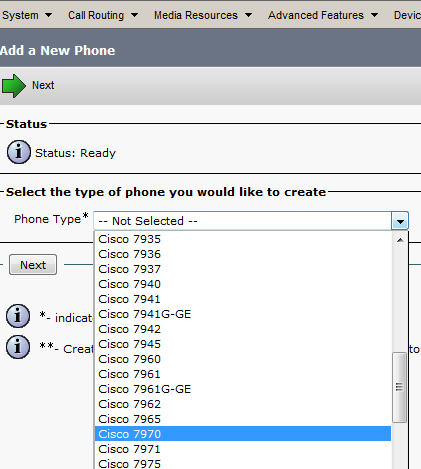
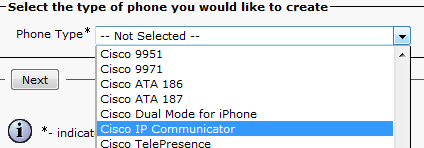
Masukkin tipe teleponnya (klo softphone alias CIPC, pake tipe CIPC juga), trus Next

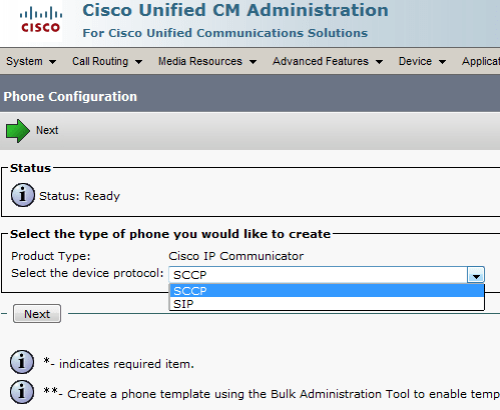
Ato CIPC kek dibawah ini

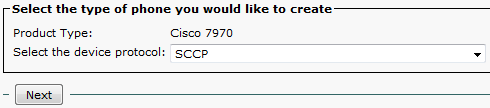
Pilih SCCP (SIP buat third party IP Phone yang bukan Cisco)

Enter mac-address (liat di IP Phone-nya langsung ato di show cdp neighbor + show mac table switch untuk liat mac-address nya)

Trus ke Device Pool dan Phone Button Template pilih default aja, sama device security profile juga pilih standard teleponnya

trus SAVE…

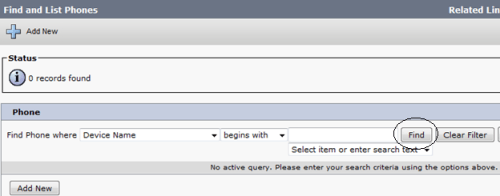
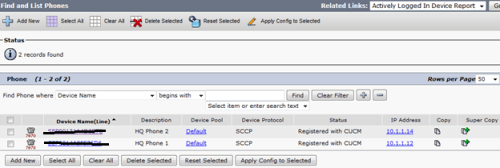
Tambahin telepon 1 lagi..trus ke Device -> Phone…klik find (tanpa enter parameter apa2…defaultnya find all phone) lalu klik masing2 Device Name (pake new tab aja)

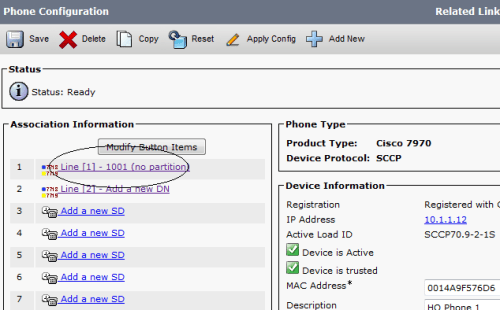
trus pas ganti layar, klik Line [1] – Add new DN (kasih nomor extention ke IP Phone itu)

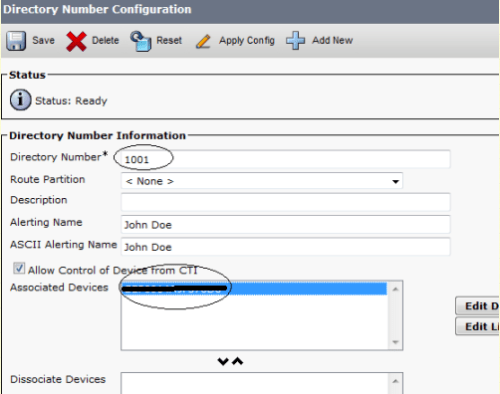
Kasih nomor nya…(yang telepon satu lagi juga sama)…trus klik Apply Config,

5

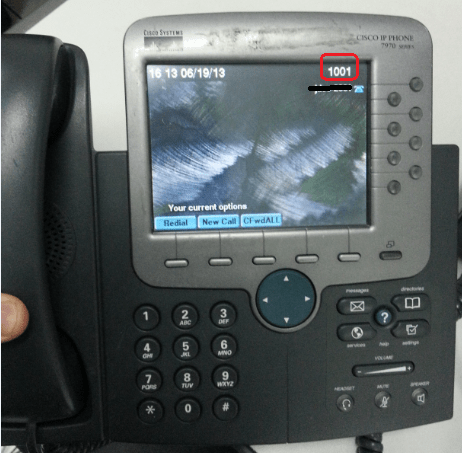
Abis itu telpon2 kita restart…mari kita liat, dan test telpon2an

6

Nanti tak update lagi…dengan IP Phone auto-registration

Newer Entries